Make it yours
Dial in the blur, pick a tint colour and strength, and add a touch of film grain.
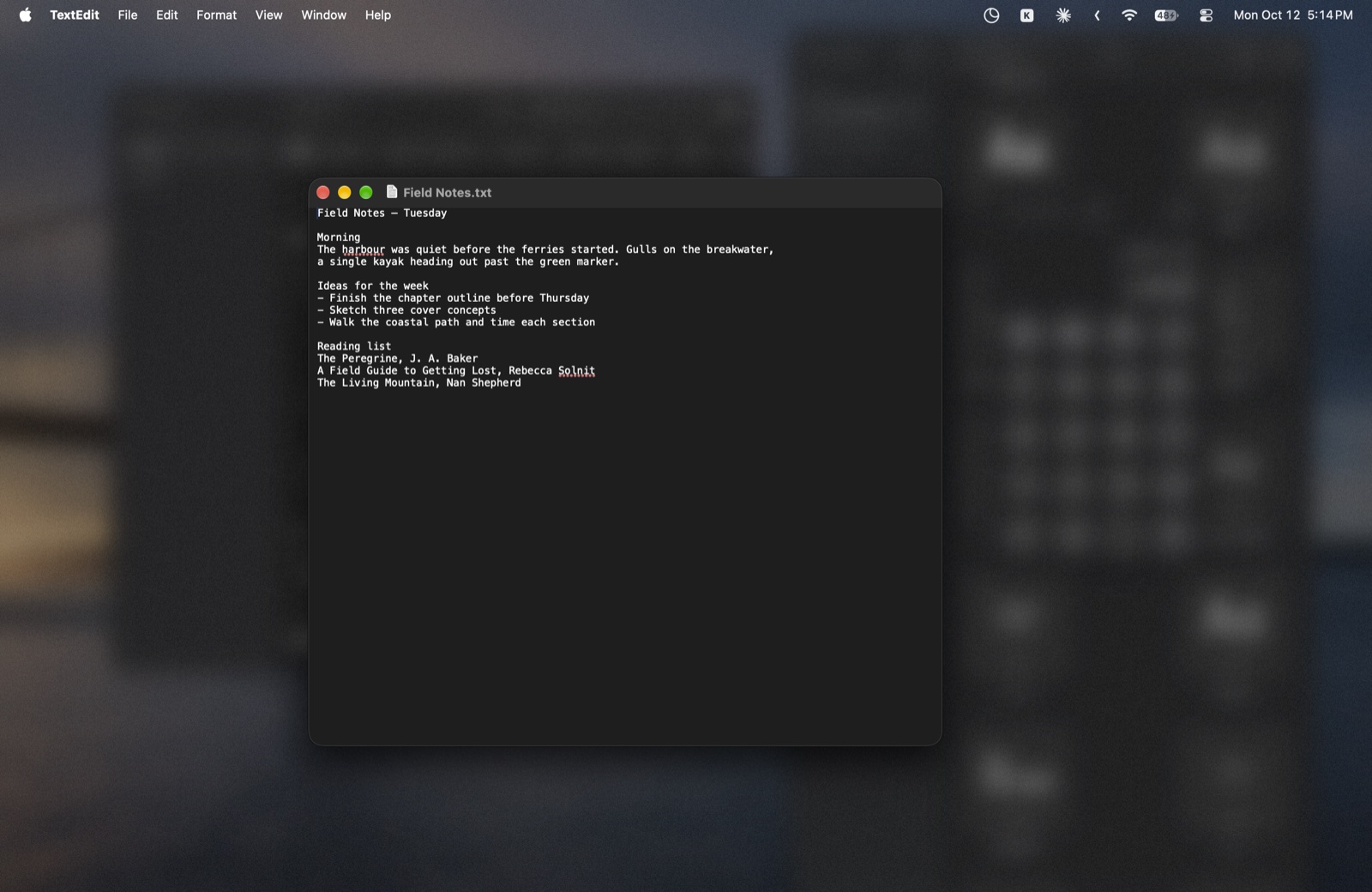
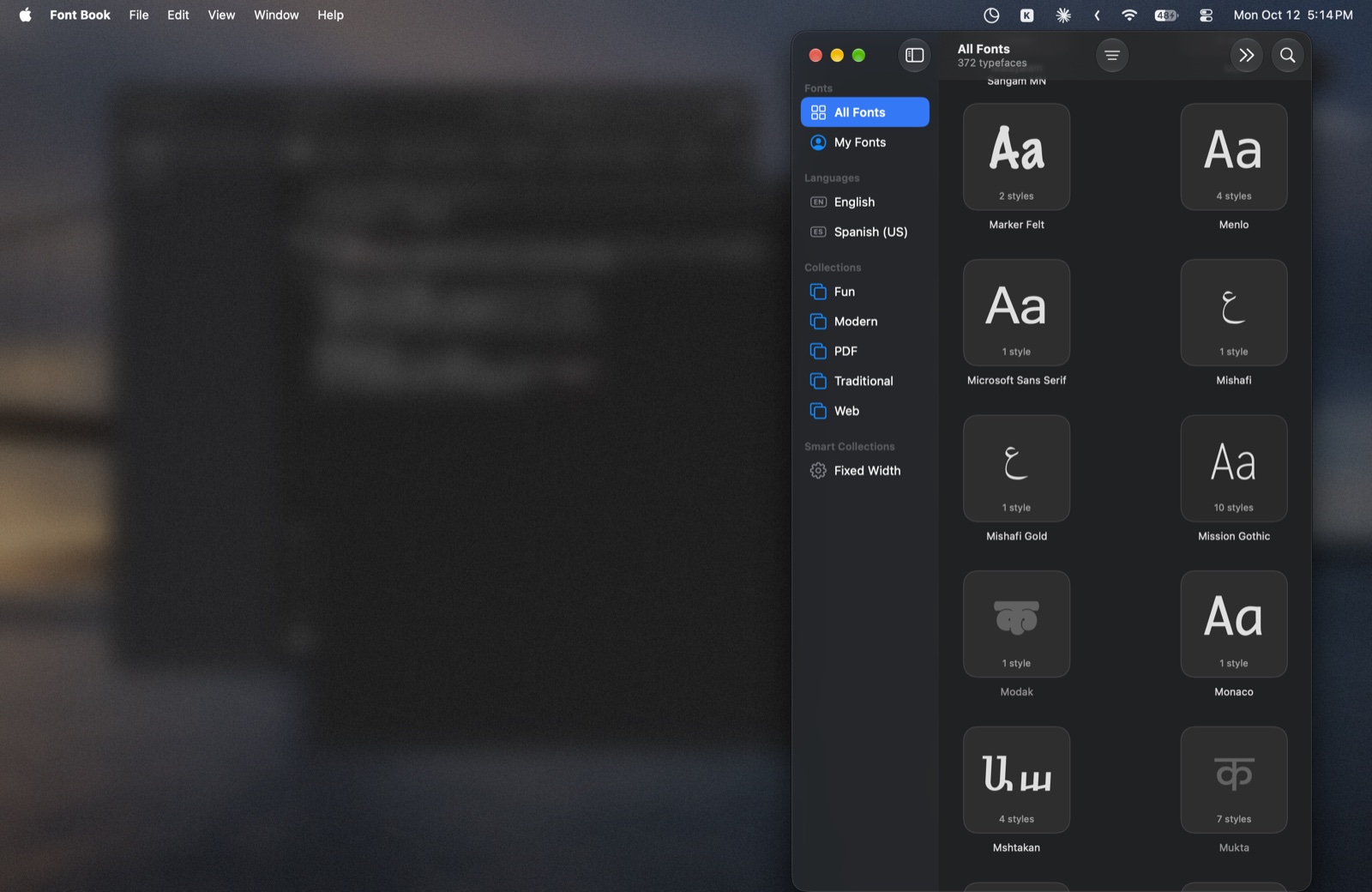
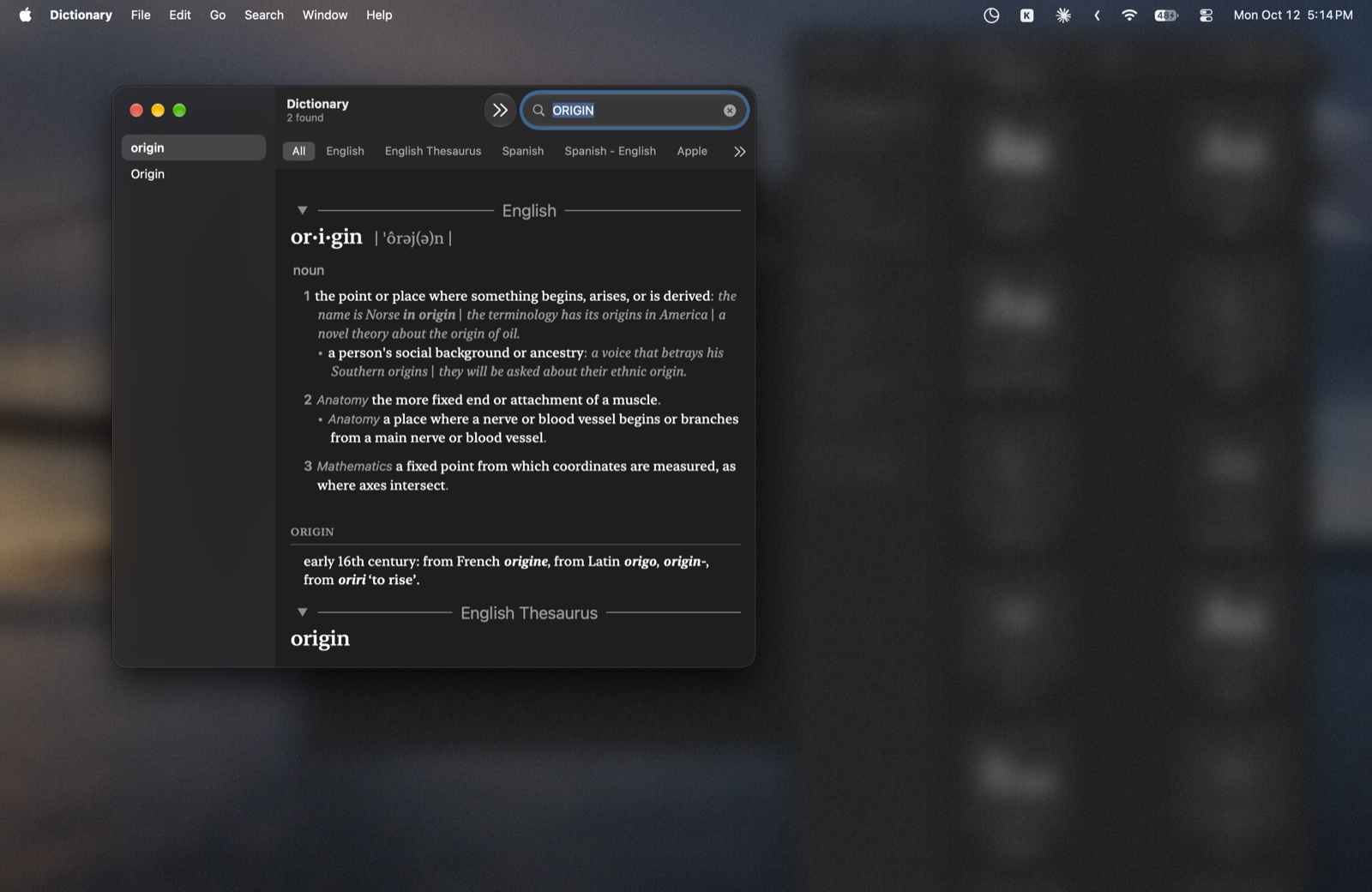
Sfumo softly blurs and dims everything on your Mac except the window you're using. Nothing closes, nothing moves. The clutter just goes quiet.
One-time purchase · No subscription
Sfumo sits in your menu bar and follows your focus. Switch windows and the blur follows, with a soft fade instead of a jolt.
Dial in the blur, pick a tint colour and strength, and add a touch of film grain.
Wiggle your cursor to switch it on or off, or set any keyboard shortcut you like.
Apps that belong together stay clear together, like your editor and its preview.
Choose apps that should never trigger the blur, straight from the menu bar.
Works across all your monitors at once, with one overlay per screen.
No account, no tracking, no internet connection, and no special permissions.
A 20-second look at Sfumo following focus from window to window, then the same desktop in stills.
No subscription and no account. Pay once and the download is yours. Not for you? Email within 7 days of buying for a full refund.
Secure checkout by Stripe. Download link appears right after payment.
Sfumo is made by an independent developer and isn't registered with Apple's paid developer programme, so macOS asks you to approve it once.
No. Sfumo only places a soft overlay behind the window you're using. Turn it off and your desktop is exactly as you left it.
None. It doesn't ask for Accessibility or Screen Recording access, and it never connects to the internet.
Apps from developers outside Apple's paid programme show that warning. You approve Sfumo once in System Settings › Privacy & Security, and the steps come with the download.
If Sfumo isn't right for you, email aru24sin@gmail.com within 7 days of your purchase and you'll get a full refund.
Email aru24sin@gmail.com with any question or problem.
It's a tiny menu bar app that uses very little processor time. The blur itself is drawn by macOS.